Picture this: It’s Friday afternoon. You’ve been staring at your screen for hours, tweaking margins, adjusting colors, and rethinking the layout of your homepage for what feels like the hundredth time. And still, your design feels… off. You keep thinking, “Is this working? Will the users get it? Is my color palette giving ‘innovative’ or just ‘early 2000s web design’? Should I have just stuck with the classic blue button?”
You’re stuck in the design Bermuda Triangle: too many ideas, too little clarity, and a deadline that’s rapidly approaching. You take a deep breath and try to summon your inner design superhero, but you’re exhausted, and your coffee is giving you nothing but a mild anxiety buzz.
Today we will understand how an AI agent can simplify this, let’s take an example and get started
Let’s consider we have an AI agent called “DesignGenie”
Let’s understand how easy your life would be if you have an ai agent like this
Why You’ll Wonder How You Ever Designed Without DesignGenie
Let’s break it down. Here’s how DesignGenie turns your chaotic design journey into a streamlined, fun, and productive experience.
1. It’s Like Having a Co-Designer Who’s Always Right
Ever wish you had that one brilliant design buddy who just gets it? Someone who swoops in with the perfect suggestion and somehow never runs out of ideas? Someone who doesn’t need to eat, sleep, or get distracted by TikTok?
DesignGenie is that friend-minus the coffee addiction and questionable memes.
Real-Time Example:
You’re designing a mobile app and struggling with your navigation menu. DesignGenie your AI Agent jumps in and says, “Hey, I noticed the users are having a hard time finding the settings page. Let’s make that button pop a little more. And hey, how about we shrink that overly complicated menu to just four main options instead of eight? Keep it simple.”
DesignGenie Insight: Users like simple. More options = more confusion.
Top 3 Benefits of Working with DesignGenie:
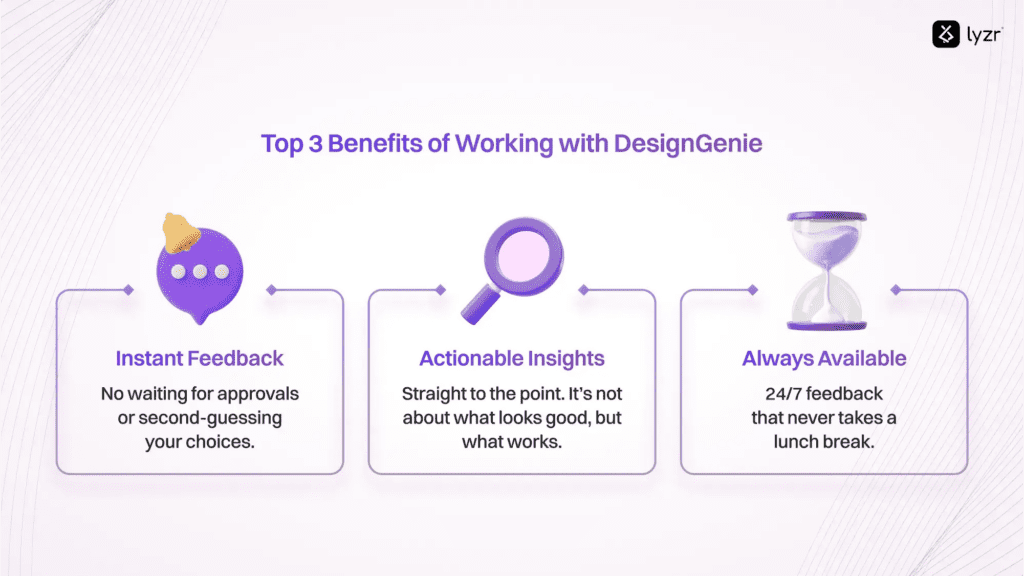
- Instant Feedback: No waiting for approvals or second-guessing your choices.
- Actionable Insights: Straight to the point. It’s not about what looks good, but what works.
- Always Available: 24/7 feedback that never takes a lunch break.
2. Collaborating Without the Drama
We’ve all experienced it: the classic design meeting. One person loves minimalism, the other wants every page to have four call-to-action buttons. One designer suggests an image-heavy layout; another insists on pure text. The conflict is real, and the hours tick by with no progress. It feels like trying to get five cats to agree on a direction. To keep things moving and avoid endless back-and-forth, adopting efficient workflows can help the team focus and make decisions faster.
DesignGenie comes in like the ultimate mediator. It doesn’t bring opinions; it uses machine learning to deliver data-driven suggestions that actually make sense.
Real-Time Example:
You and your team can’t decide whether to put the hero image above the fold or below it. Enter DesignGenie: “Based on user behavior and NLP insights, let’s go with above the fold. Users are clicking on images first, but we need to make sure the CTA button is large enough to grab attention. Let’s also test a scrollable hero section. It’s clean but engaging.”
DesignGenie Insight: Don’t just ask “What looks good?”-ask “What will work for the user?”
Three Key Points to Remember for Smooth Collaboration with DesignGenie:
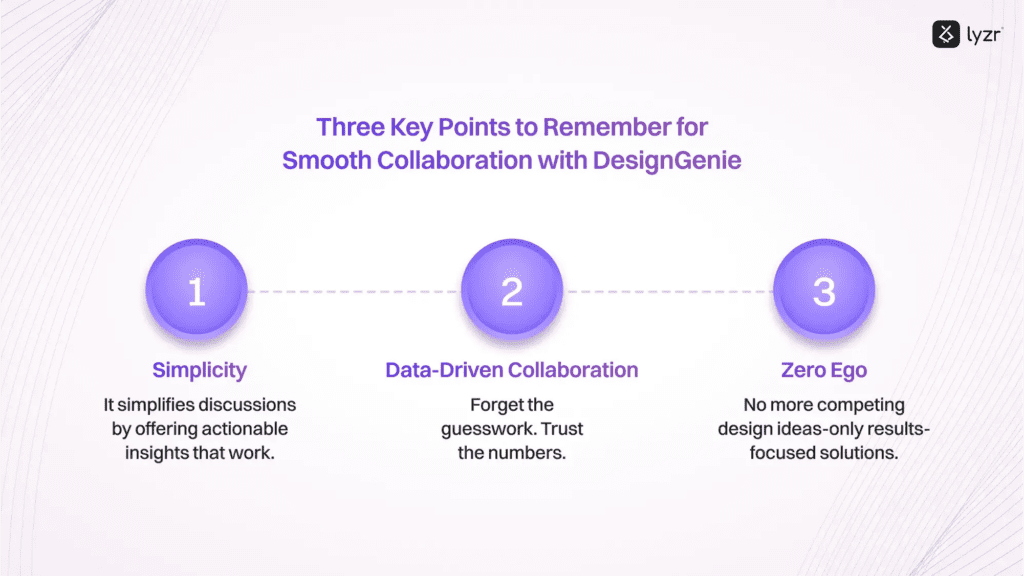
- Simplicity: The AI agent simplifies discussions by offering actionable insights that work.
- Data-Driven Collaboration: Forget the guesswork. Trust the numbers for smarter workflow automation.
- Zero Ego: No more competing design ideas—only results-focused solutions that are AI powered.
3. It Understands the Power of Data (No More Guessing)
Sometimes, you look at your design and wonder, “Am I making the right decisions, or is this just wishful thinking?” You analyze the numbers-bounce rates, time on page, click-through rates—but it’s hard to connect all the dots.
DesignGenie isn’t just another design tool; it’s a data-driven powerhouse. It analyzes user behavior, so you can see exactly where users are interacting with your design-and where they’re not.
Real-Time Example:
You’re optimizing your e-commerce checkout page and just can’t figure out why users are abandoning their carts. DesignGenie steps in with agentic workflows: “I’ve got your back! The ‘Proceed to Payment’ button is buried under a pile of other options. Let’s move it to the top of the page and make it brighter. Oh, and how about reducing the number of form fields? Fewer steps = fewer drop-offs.”
DesignGenie Insight: Data-driven design isn’t about making things look pretty-it’s about making things work better.
3 Ways Data Transforms Your Design Process with DesignGenie:
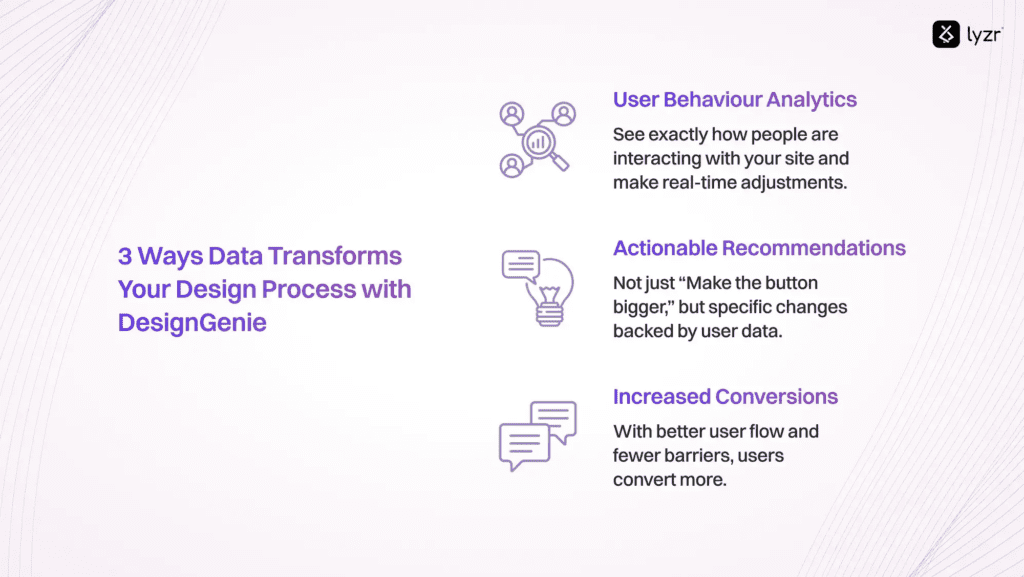
- User Behavior Analytics: See exactly how people are interacting with your site and make real-time adjustments.
- Actionable Recommendations: Not just “Make the button bigger,” but specific changes backed by user data.
- Increased Conversions: With better user flow and fewer barriers, users convert more.
4. Staying Ahead of Design Trends (Without the FOMO)
Design trends are like the seasons: they change every few months. One minute, everyone’s talking about dark mode; the next, it’s all about neumorphism (whatever that means). Keeping up with trends can feel like a race with no finish line. In practice, a b2b web design agency often helps businesses translate these shifting trends into practical design choices that still feel consistent over time.How do you know if you’re ahead of the curve-or already behind it?
DesignGenie is your trend radar. It’s always analyzing the latest design movements, so you’re always on top of what’s working right now (and what’s so last year).
Real-Time Example:
You’re designing a new website and wondering if you should stick with the clean, flat design or dive into the more tactile feel of neumorphism. DesignGenie says, “I’m all for making things look fancy, but let’s stick with flat design for now. Users are still more comfortable with simple, familiar interfaces. We’ll save neumorphism for the next project. Trust me, it’ll come back.”
DesignGenie Insight: Stick with what works now. Trendy is great, but usable is better.
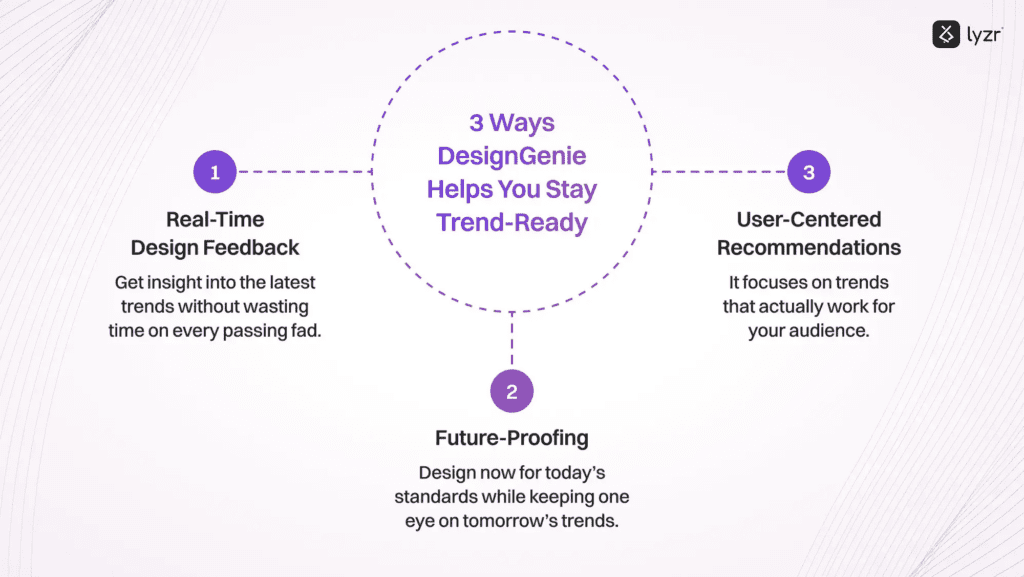
3 Ways DesignGenie Helps You Stay Trend-Ready:
- Real-Time Design Feedback: Get insight into the latest trends without wasting time on every passing fad.
- User-Centered Recommendations: It focuses on trends that actually work for your audience.
- Future-Proofing: Design now for today’s standards while keeping one eye on tomorrow’s trends.
5. Design Should Be Fun. And DesignGenie Makes It Fun Again.
Let’s face it: Design can get serious and stressful. Clients need changes. Deadlines are looming. You’re balancing 15 different projects and praying your designs are good enough. It’s easy to lose the fun in the process, right?
DesignGenie knows this, and it’s here to bring the fun back. With witty feedback, playful suggestions, and a good dose of humor, DesignGenie keeps the process light, even when the pressure is on.
Real-Time Example:
You’re fine-tuning your website’s CTAs, and DesignGenie pops in with a message: “This CTA is looking better than your last five Tinder dates! It’s bold, it’s clear, and it pops. Let’s make sure it’s responsive so users can click even on the smallest screen.”
DesignGenie Insight: Good design doesn’t have to be a chore. In fact, it should be fun!
3 Ways DesignGenie Keeps the Fun in Design:
- Witty Feedback: Who says design has to be all work and no play?
- No More Stress: Real-time feedback means less time worrying, more time creating.
- Motivational Pep Talks: Get encouragement along the way like with a motivational quote generator, because we all need a little extra cheer!
Wrapping Up
DesignGenie is just an example of AI agent that you can have for your UX needs, but you can build a lot many agents like them with Lyzr agent studio.
Have a unique need? Come speak to us
Book A Demo: Click Here
Join our Slack: Click Here
Link to our GitHub: Click Here